

Remote Plan
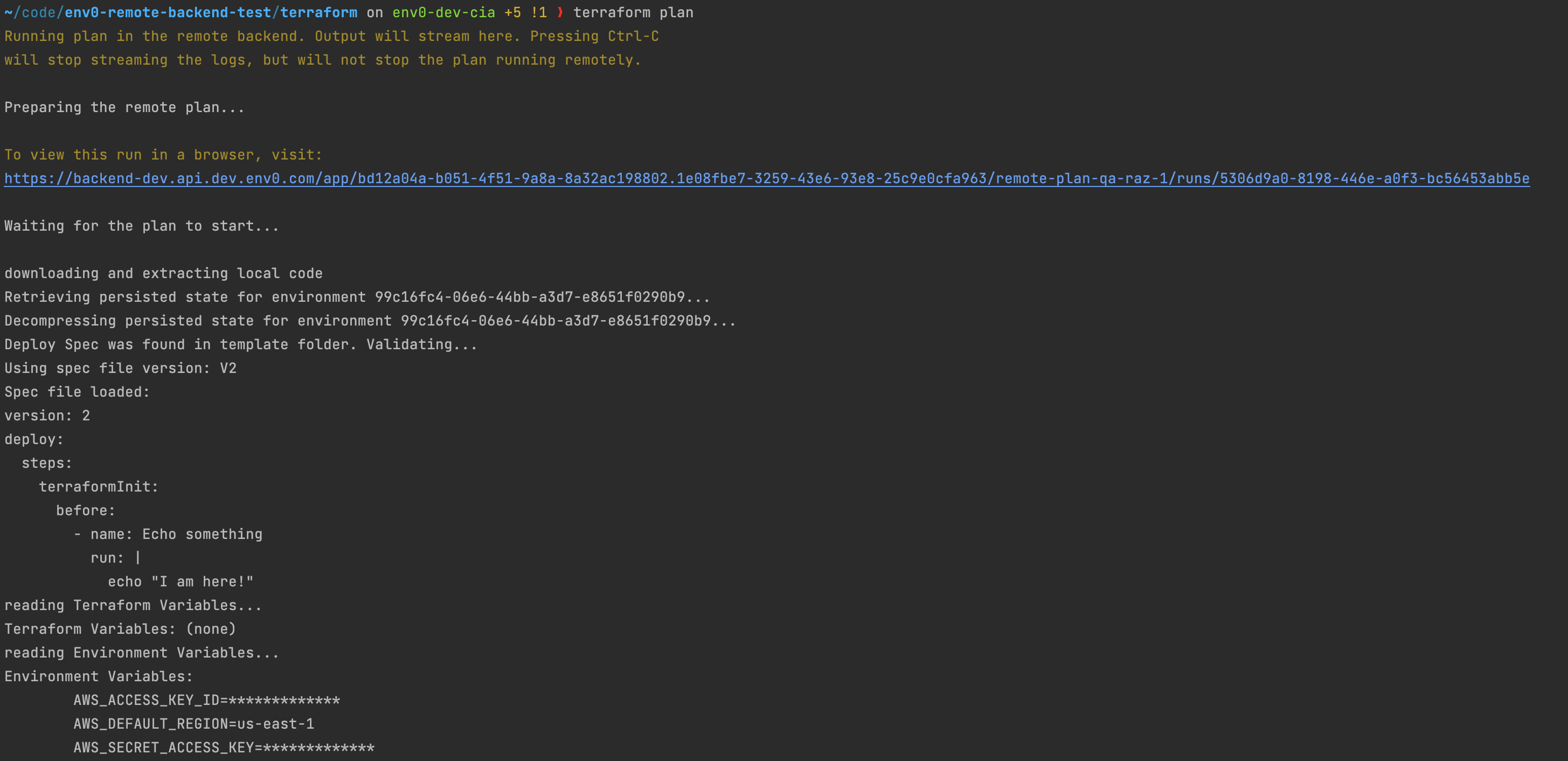
Remote Backend allows running your Terraform plan locally by triggering a remote plan in env zero.The remote plan uses your local Terraform files but actually runs it remotely in env zero while using the shared state and variables set for the env zero environment. Each remote plan creates a deployment in env zero so you will have an audit for each deployment.
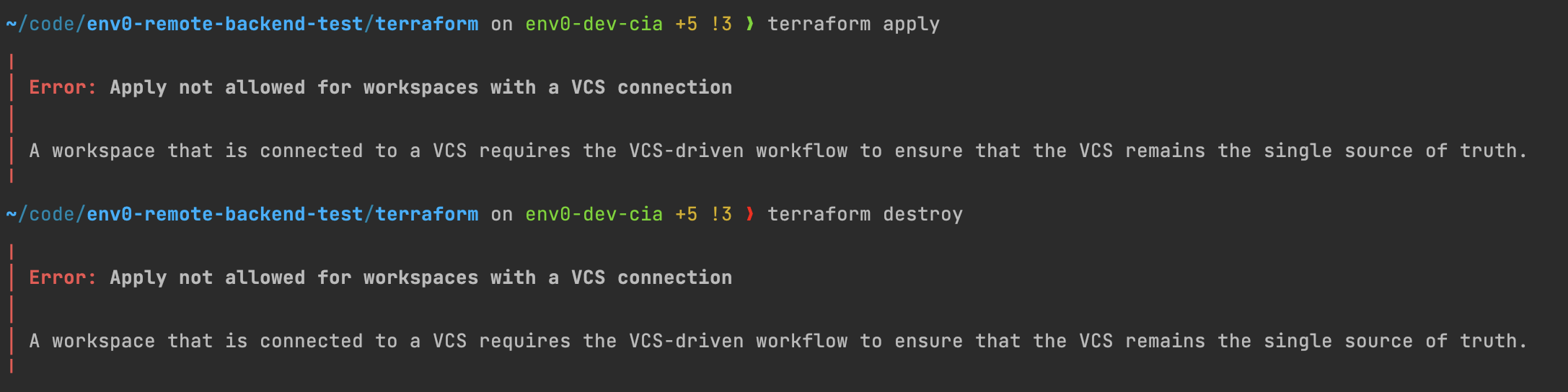
By running a remote plan you can build your IaC faster, and test your changes locally before committing them. Additional benefits are the rest of the env zero features that are automatically integrated into your plan logs. It includes:
Save a plan and apply it later
Save a remote plan to a file, inspect it, and apply exactly that plan without planning again. Requirements:- OpenTofu 1.6 or later, or Terraform 1.6 or later
- The
cloudblock configuration from Authenticate locally. Thebackend "remote"configuration can’t save plans. - Self-hosted agents: v5.1.0 or later
-destroy. Running apply with the plan file is the confirmation, so the apply deployment does not wait for approval in env zero.
Limitations:
- Apply a saved plan within 1 day of creating it.
- Each saved plan can be applied once. Applying it again fails.
- You can apply only a plan that succeeded.
- Workflow sub-environments do not support saved plans.
.terraformignore
If cases where your gitrepo is particularly large, this will cause the remote plan to take a longer time to process (due to compressing and decompressing the gitrepo). You can save time on the remote plan by adding a.terraformignore to the root of the repo.
Auditing
env zero UI can show you each remote plan deployment that has occurred, accesses its plan logs, and gives you visibility and audit on who actually trigged it from their local environment.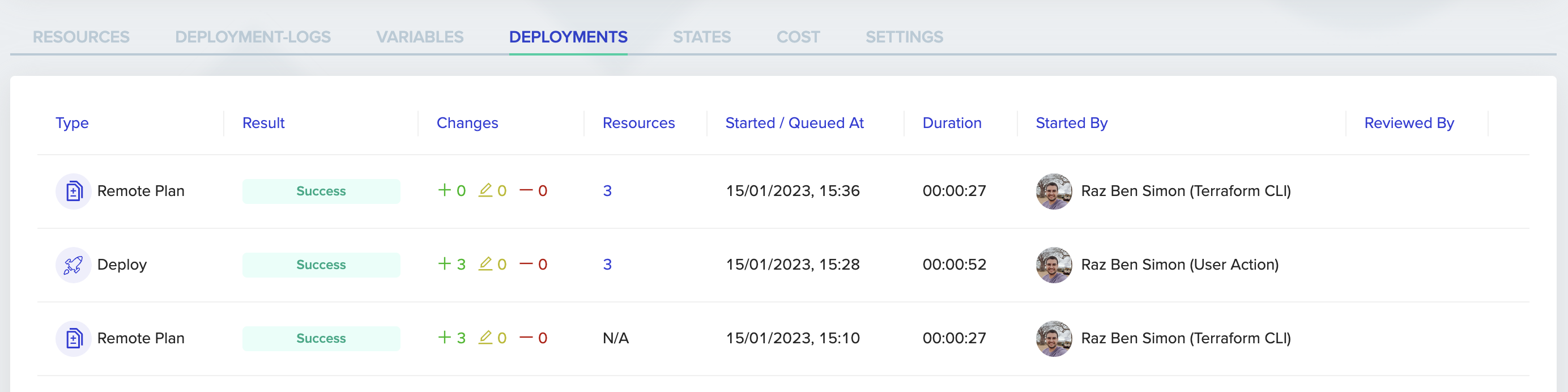
Local Executions
If you still wish to run aplan or apply locally, without a remote execution by env zero - you can do it by enabling terraform’s TF_FORCE_LOCAL_BACKEND environment variable.