

AWS - Hosting Deployment Logs in DynamoDB
Deploy the log table
Deploy the env zero log table terraform module on your AWS account. This module creates the DynamoDB table and the IAM role that env zero assumes when reading and writing logs.For the module variables, use the Agent ID and External ID shown in the Edit Agent modal.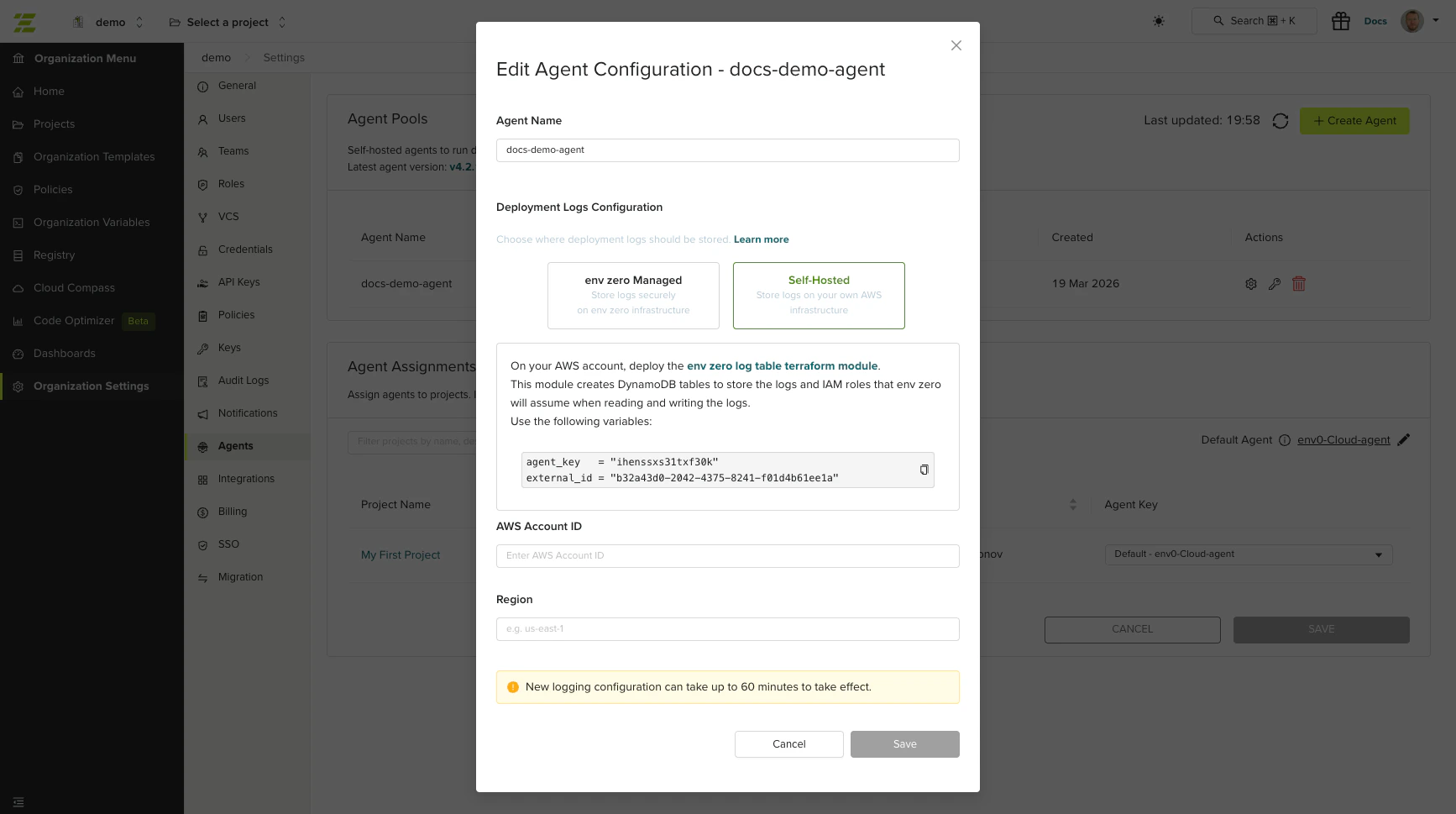
Configure the agent pool
In the logs configuration section, enter:
- AWS Account ID - The account where you deployed the log table.
- Region - The AWS region of the DynamoDB table.