

Prerequisites
Before you begin, make sure you have:- Enabled OIDC in your env zero organization.
- Configured an Identity provider as explained in Set up an AWS OIDC authentication Guide.
Setup
To allow env zero to send logs to CloudWatch, you need an IAM policy with the necessary permissions. This policy will be attached to an IAM Role you use for OIDC authentication.The policy allows env zero to create and write to two log groups:
env0-deployments and env0-audits.
Log Transporter Policy
Optional: Using a Log Group PrefixIf you manage multiple env zero organizations that log to the same AWS account, you can use a prefix to keep the logs separate. For example, a prefix like
prod/ would create log groups named prod/env0-deployments and prod/env0-audits.To use a prefix, modify the Resource ARNs in the policy. For a prefix of prod/, your resource list would look like this:Self Configuration of CloudWatch Transporter
There are two ways to configure the integrations: In the organization’s integrations page, click on CloudWatch and fill the form’s fields: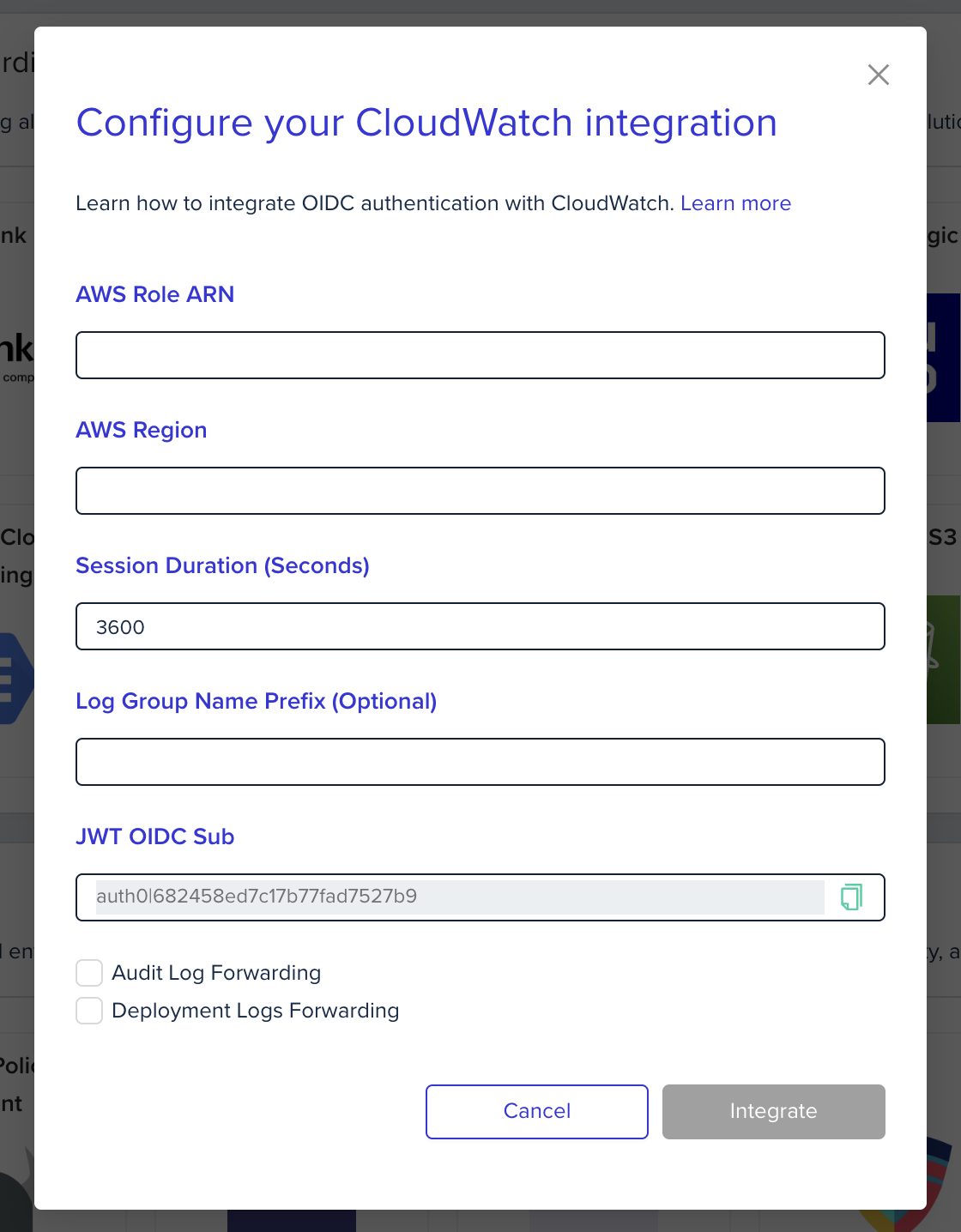
-
Using environment variables
In the env zero platform you will need to configure the following environment variables in any scope to forward the deployment logs. These are the relevant environment variables: